Troubleshooting Slow Computer performance.
*QUICK TIP! A quick fix is to simply restart your laptop to clear its memory.
If you are using an older laptop, you might need to reduce the amount of software applications you have open at the same time.
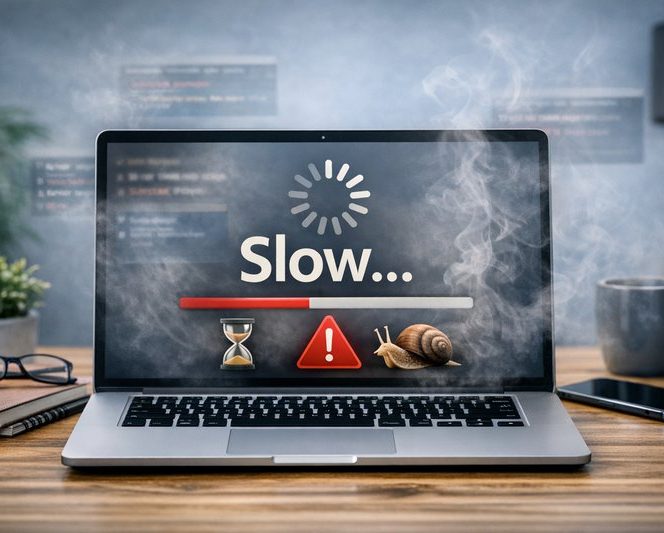
How to improve your computers performance.
Make sure you have installed the most recent updates.
Remember that updates are also to improve performance, reliability and security.
Updating your
- Operating System.
- Computer firmware.
- Software Applications.
- Internet Browsers.
will help to make your computer run better.
Reduce the number of applications that you have open at the same time.
Older computers will have less powerful computing power and memory to cope with advancements in software.
Try to only open the apps that you need to use and close any apps that you no longer need to use to help free up memory resources.
In Windows PC you can see what programs are using the most resources via the Task Manager.
*SEE
How to use Windows Task Manager
Perform better housekeeping.
Clear up hard drive space, empty the wastebasket / recycle bin.
Your computer will need available hard drive space in order for
- temporary file management
- system process management.
When your hard drive is nearly full / running low on disk space it can't perform as efficent.
Free up space on your hard drive by unistalling apps that you no longer need (eg bloatware) and files that you no longer need.
* SECURITY ADVICE
Check if your device has been infected with malware / computer virus.
Make sure your anti-virus software is up-to-date and has the most up-to-date virus definitions.
Run a full scan on your device to check that any malware isnt running in the background.
Only install software from trusted / well known sites.
*SEE
How to check for malware / computer virus.
Check and remove the dust collected in the computer's fan.
If there is too much dust collected and clogging up the computers fan, it may reduce performance to prevent the computer from over heating.
Remember - Computers like to breathe.
Buy and install more memory.
Computer vendors are often now soldering the memory modules directly in to the laptop computers motherboard so you cannot add extra memory later on. You are basically stuck with the amount of memory that came with the computer when you bought it.
So you will have to factor in how much memory you will need in 3 years time.
Is your computer too old?
Unfortunatley, you may need to buy a new computer to replace your current device due to the resources required to run the latest operating systems and software.
With advancements in AI and video calling these faster processors and better graphics cards.
Common Computing issues
Click on the images below to help you resolve your issue.
Wifi Issues
How to resolve common Wifi connection issues.
Can be caused by driver issues / weak signals / airplane mode.
Sound and Microphone Issues
Having trouble hearing or being heard?
Can be caused by driver issues / loose cables / hardware faults / wrong device selected in settings.
Webcam Issues
People not able to see you on the call?
Loose cables / Driver updates / wrong camera selected / privacy filter.
Slow performance
What can cause your computer to be slow.
Too many Apps open / updates being installed in the backround / processes hogging the memory / scan running / Virus / Malware.