Computer Health advice.
*QUICK TIP! Always keep your computer firmware / operating system / software applications / internet browsers and anti virus software up to date for better performance and security.

Why you must install updates on your Computer.
Updates will improve your computers performance, reliability, compatibility and protection against computer viruses, malware, ransomware and data theft.
You must always update the following on your computer
- Your computer Operating System.
- Your computer Firmware.
- Your computer system components and applications via the Microsoft Store.
- Your productivity software applications such as Microsoft Office, Adobe Acrobat.
- Your internet browsers such as Edge, Chrome, Firefox.
- Your AntiVirus software & anti virus definitions.
Always
- restart your laptop a few times a week to make sure any automatic updates get installed.
- make sure your computer has the power cable plugged in and working while installing updates.
- leave enough time to install the required updates and never ever interupt the installation process!

How to Update your Operating System.
How to update your devices firmware.

How to update your Internet Browsers.

Updating Apps and Features via Microsoft Store.
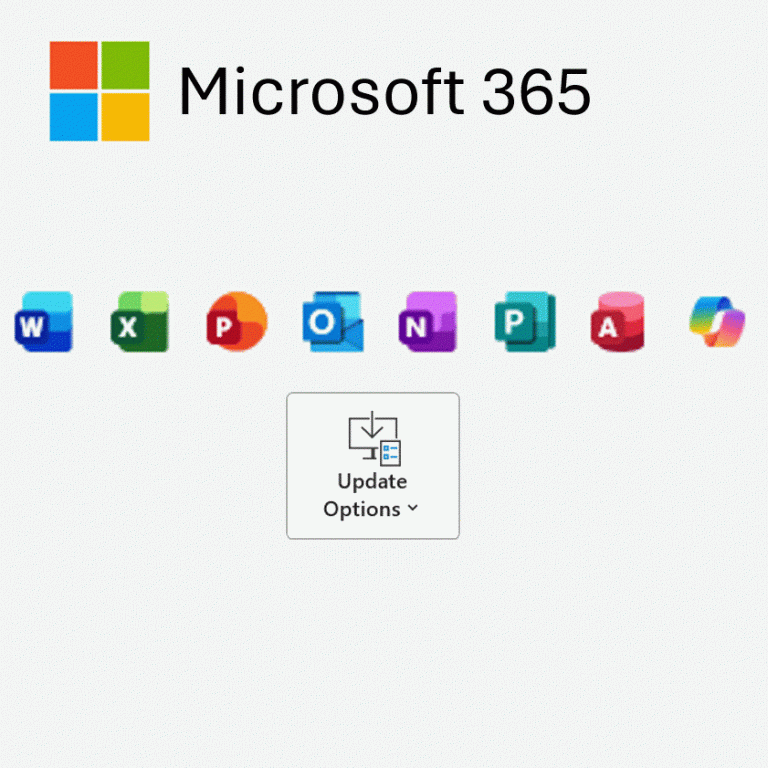
Updating Microsoft Office 365 Apps.
Looking after your computer and equipment's Health.
Be careful when transporting your laptop, cleaning your laptop and avoid eating / drinking near to your laptop if possible.
Take Care when opening and closing your laptop lid.
Make sure to remove any pens / pencils / earphones from on top of the laptop inbuilt keyboard before closing the lid as this can damage the keypad and the laptop screen.
Always open up the laptop lid carefully from the centre instead of one of the corners as this will reduce wear and tear on the laptop screen hinges.
Transporting your computer.
Make sure to remove any pens / pencils / earphones from on top of the keyboard before closing the lid and carry it carefully.
NEVER pinch the screen to carry a laptop with only 2 fingers! The screen will easily crack and be costly to repair!
Consider purchasing a neophrene laptop cover to protect against any drops / scratches when your bag / suitcase.
Cleaning your computer.
Dirty screen / Dirty Keyboard?
Use a lint cloth and approved computer screen and keyboard cleaner for cleaning your computer.
Sticky Keys?
Ideally try not to eat over your laptop keyboard. You can use an air duster spray to help remove
Preventing liquid damage.
Consider to purchase a laptop riser or a keyboard cover so you dont accidently spill any liquid on to your laptop keyboard.
If you do spill any liquid on your keyboard, try to remove it asap. Wipe it with a cloth or turn the laptop upside down on to let the liquid drain away and not seep further into the laptops circuit board.
Replacing a laptops keyboard is less expensive than replacing an internal motherboard / logic board.
Noisy Fan?
Computers also like to breathe, try not to leave your laptop on a bed / duvet cover, cushion (anything that can block the internal fan).
You can use an air duster spray to clear any dust that has gathered in the internal fan.
Consider purchasing a laptop cooling boards, to prevent your laptop from overheating.
Hard drive making clicking noise?
This is usually not a good sign!
Check that your cloud backup service is working ok. Consider purchasing a usb hard drive to backup your data ASAP.
Looking after your charger and cables.
Be careful to not bend charging cables (for both laptops, mobile phones and tablets) so that the wires will not become exposed.
Always Pull from the plug / wall socket end and not the cable itself.
Make sure to remove any dust from the charging port.
REPLACE ANY CABLE THAT HAS ITS WIRES EXPOSED ASAP - AS THIS IS A FIRE HAZARD!
Looking after your laptop's battery life.
Watch out for any bulging in the laptop case or random keys falling off / popping out of the inbuilt laptop keyboard.
This could well be caused by the internal battery swelling.
A BULGING BATTERY IS A SERIOUS
FIRE HAZARD!
Do not use your computer until you have the faulty battery replaced.
Use a Surge Protector for your laptop and router power connections.
Consider purchasing a surge protector or mini UPS (Uniteruptable Power Supply Unit) for your home setup to prevent damage to your router and laptop from unexpected power cuts or power surges.
Common Computing issues.
Click on the images below to help you resolve your issue.
Wifi Issues
How to resolve common Wifi connection issues.
Can be caused by driver issues / weak signals / airplane mode.
Sound and Microphone Issues
Having trouble hearing or being heard?
Can be caused by driver issues / loose cables / hardware faults / wrong device selected in settings.
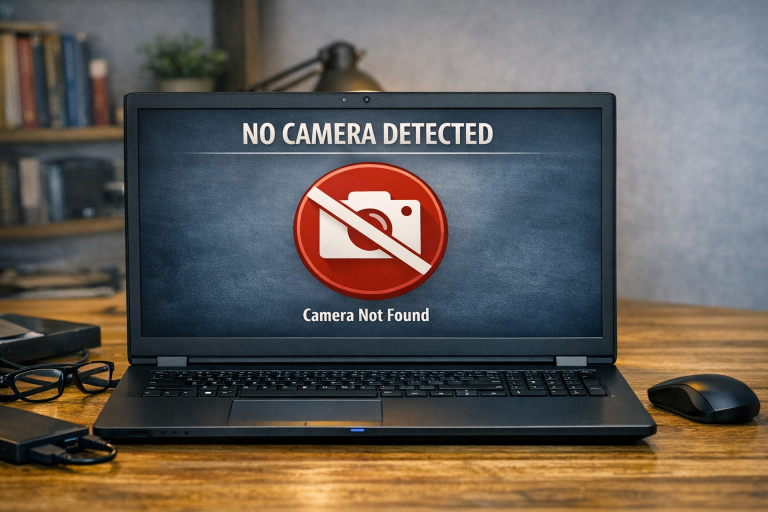
Webcam Issues
People not able to see you on the call?
Loose cables / Driver updates / wrong camera selected / privacy filter.

Slow performance
What can cause your computer to be slow.
Too many Apps open / updates being installed in the backround / processes hogging the memory / scan running / Virus / Malware.